
HR Strategy
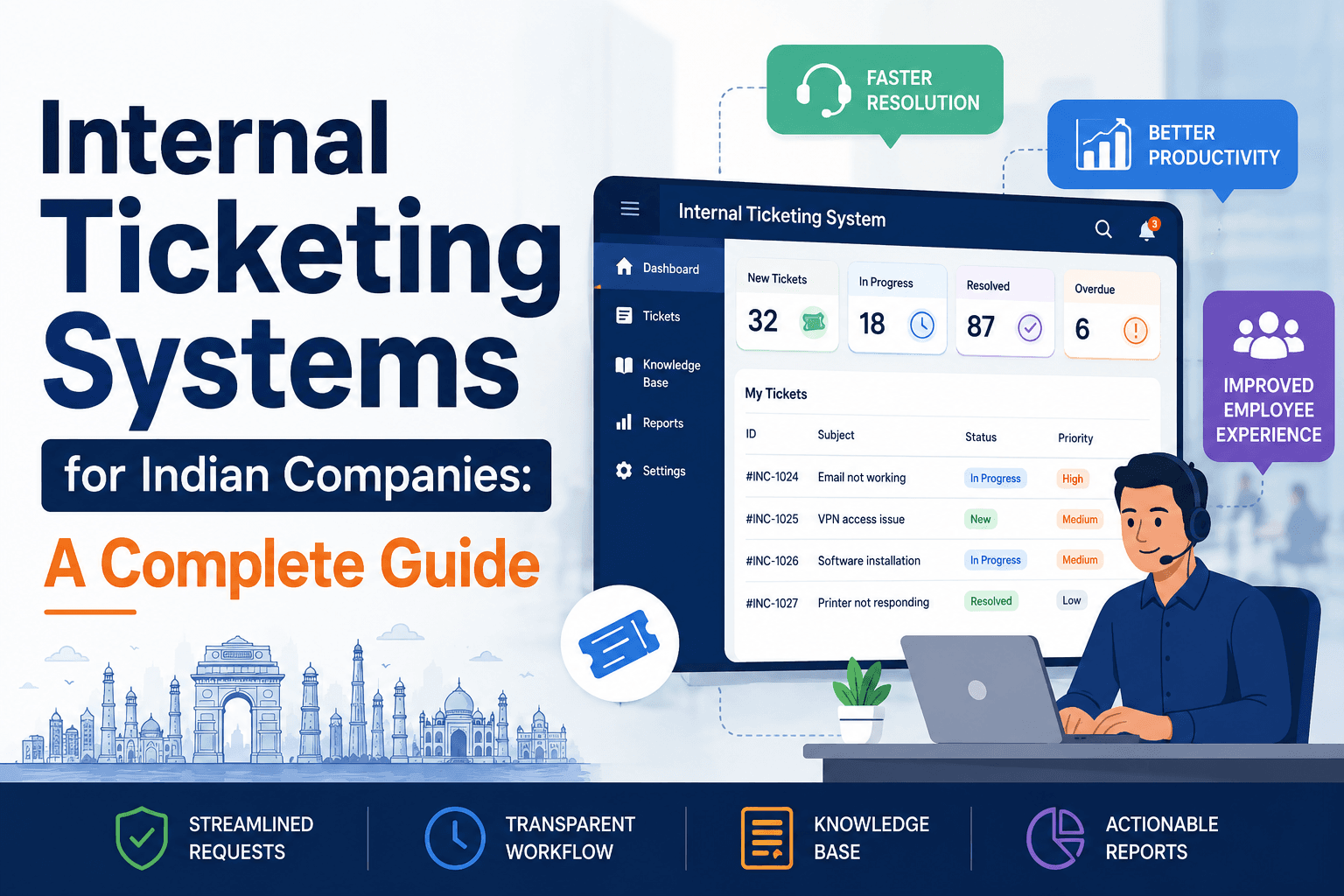
Internal Ticketing Systems for Indian Companies: A Complete Guide
What an internal ticketing system is, how it works, key features, and how Indian companies choose the right help desk software. A complete guide.

Richa Thakur
Content Writer · 5 min read · · Updated
It's Monday morning, and the IT team opens to 12 emails, 6 WhatsApp messages, and a handful of hallway follow-ups. A broken login, a laptop error, someone's email acting up. By noon, half the requests are still pending, and nobody knows who reported what or whether it has been fixed.
On the other side, the HR head was counting how many employee requests came this month, but requests were scattered across different platforms, including email, chats, and Slack, and none of them could be counted.
This is the harsh reality of the growing companies that still manage their organisational internal requests through scattered emails and chat threads. But with the right internal ticketing system, you can manage scattered requests into a centralised platform that tracks everything in an organised form.
This guide will cover all the essential details about the internal ticketing system, how it works, and how it benefits the organisations, what the key features are to look for in an internal ticketing system, and the right ways to set it up within your organisation.
What is an internal ticketing system?
The internal ticketing system is a centralised software used by employees to raise, assign, and resolve workplace and operational requests within an organisation. It converts scattered emails or employees' messages into a ticket with clear ownership, tracking updates, priority levels, and progress logs.
Common departments using internal ticketing systems are:
IT: They use it for broken equipment, password resets, and software access.
HR: Utilised for payroll questions, PTO requests, and onboarding processes.
Facilities: For office repairs, desk moves, and cooling and heating issues.
Legal and Finance: Used for contract reviews and expense report approvals.
Why do companies need an internal ticketing system?
In modern times, companies require an employee ticketing system to transform complex spreadsheets, scattered communications like WhatsApp messages, emails, and calls, all into a single organised place.
Overall, the ticketing system improves employee productivity and operational efficiency by tracking requests and routing them to the assigned individual and automating routine support workflows.
Let’s understand the importance of ticketing systems in detail:
Centralised Tracking: It gathers requests across different channels, including emails, Slack, and calls, in a single system so nothing slips away.
Provides Clear Accountability: Automatically assigns a ticket to dedicated individuals with ownership and an expected response time.
Workflow Automation: Routes the raised ticket to the right department and sends alerts, so the support team doesn’t waste time assigning and organising tickets manually.
Knowledge Base: Allows employees to clear doubts independently through built-in FAQs and guides to reduce the overall volume of support tickets.
Data Driven Insights: Delivers reports and analytics to help management to identify recurring issues, measure team response times, and allocate resources more effectively.
What are the key features to look for in an internal ticketing system in India?
While choosing an internal ticketing system for HR and IT requests, ensure that it solves your problem rather than creating it. Before investing, weigh the features that actually matter for your business: integration capabilities, support quality, and room to scale. Here are the main key features that you should look for in a ticketing software to reduce headaches and broken systems:
Core Ticketing Feature
Omni-Channel Ticket Capture: The system should allow employees to raise tickets from anywhere, including email, WhatsApp, self-service portals, Slack, or a web form, and centralises it in a single queue. An omnichannel ticketing system matters for distributed and remote teams in India who don’t operate from the same platform.
Automated Ticket Routing and Assignment: Tickets should auto-assign to the right individual or team based on the category, priority level, and department. Unlike email-based support for sorting tickets manually, use the ticketing filter to save time.
Ticket Categorisation: The software should be capable of tagging and prioritising requests such as IT, HR, and sales to flag urgency so the critical issues get resolved quickly rather than getting buried.
A centralised Dashboard: The system must provide a single view of every opening, including raised, assigned, tracked, resolved, and pending. It must provide accountability behind the raised ticket, who raised it, how long it takes, and what the status is. This is the single reason that companies are moving from email and chats to modern software.
Service Quality and Accountability
SLA Management: Set response and resolution time targets with automatic escalations when a ticket is at risk of breaching its SLA. It is essential for holding support accountable and setting employee expectations.
Escalation Rules: When a ticket breaches and stalls, it automatically escalates the ticket to the seniors and authorities.
Reporting and Analytics: The dashboard must show resolution time, ticket volumes, recurring issues, and agent performance. This feature will allow organisations to improve over time rather than just reacting.
Self-Service Automation
Knowledge Base: A searchable library comprising the essential details in the form of FAQs, guides, and videos to reduce the ticket volume. It is one of the biggest aspects of ROI.
Automation and Workflows: Send auto responses, status updates, recurring task handling, and rule-based actions that reduce manual work.
AI features: AI chatbots resolve routine queries and offer suggested replies, auto-categorisation, and smart prioritisation.
Integrations and Platforms
Smooth Integration: The system should be capable of integrating with the existing platforms, such as email, WhatsApp, Microsoft Teams, and Slack.
Cloud-Based Software: Cloud-based ticketing software offers faster setup, low maintenance, low upfront cost, and scalability. It is ideal for SMBs and remote teams across different locations. However, some organisations with strong security needs prefer on-premise software with flexibility.
Mobile Access: It should be accessible for mobile interfaces, which makes the software convenient for both the employer and the agents.
Scalability and Customisation: When the organisation grows, the software must grow with the employee headcount and let you control the permissions and customisation.
How does an internal ticketing system work?
A ticket management system works by turning every raised query into a trackable ticket. It is a single record that captures the issue, who raised it, who’s handling it, and what the status of a ticket is from start to finish at a centralised platform. Instead of sending support requests on different channels like email, Slack, WhatsApp, and verbal queries, everything flows into a single system, where it can be assigned, prioritised, tracked, and resolved.
1. Ticket Creation
An employee reports an issue, a login problem, a broken laptop, or software access through a platform that the system supports, like an email, WhatsApp, Slack, Teams, or a web form. The system automatically converts the request into a ticket with a unique ID, so nothing gets lost and everything is traceable.
2. Ticket Categorisation
The system tags the ticket by type (hardware, software, network, access) and assigns a priority based on urgency and impact. A company-wide outage gets flagged high; a password reset sits lower. This sorting can be manual or automated by rules.
3. Ticket Routing & Assigning
Based on the category priority level, the ticket is assigned to the right person or team. The network issues are addressed to the network admin, and the access request is made to the owner. Automated routing removes the manual sorting that a traditional email support system requires.
4. Ticket Tracking Against an SLA
The assigned agent starts resolving the issues. The SLA (Service Level Agreement) sets target response and resolution times, and the system tracks the ticket against them. If it risks breaching the deadline, the escalation rules come in, and the ticket transfers automatically to the senior agents and managers.
5. Communication and Updates
The agent and employee exchange information, request details, and post status updates, which are recorded on the system. This process creates a history, and everyone knows the full context about the specific ticket.
6. Resolution and Closure
Once the issue is fixed, the agent resolves the ticket and notifies the employee with a confirmation or satisfaction check. The closed ticket stays on record as a searchable reference for similar future issues.
7. Reporting & Continuous Improvement
Every closed ticket delivers analytics, resolution time, ticket volumes, recurring problems, and agent performance. The teams use this data to spot patterns, such as the same VPN issues every week, build knowledge base data, and improve over time.
Help Desk vs Service Desk: The Core Difference
Help desk and service desk may sound similar, but they serve different purposes. Help desk focuses on day-to-day issues, delivers quick resolutions like a broken laptop or password reset, while the service desk takes a broad strategic view, meaning managing IT as a whole.
Here is a table representing the core difference between help desk and service desk:
Category
Help Desk
Service Desk
Primary Focus
Fixing technical issues and addressing user queries
Managing complete IT service delivery
Approach
Responds to incidents as they happen (break-fix)
Align with business goals to prevent issues and manage changes
Scope
IT-centric, revolves around malfunctions or outages
Includes incident management, asset management, and change control
Framework
Operates as a standalone function for technical troubleshooting
Often follows ITIL best practices and broader ITSM methodologies
Target Audience
Focuses heavily on the end user or customer
Acts as a single point of contact for employees, vendors, and the business
Example
Resetting a forgotten password or troubleshooting a crashing application
Provisioning a new laptop for a new hire or planning a system upgrade
Internal Ticketing System Case Studies: Real Company Examples
Both examples below come from case studies published by the vendors themselves, included here as documented, verifiable results.
Lenskart- From 75% to 98.8% Query Resolution
About Company
Lenskart is India's largest eyewear retailer, founded in 2010. It runs a vertically integrated, direct-to-consumer model covering design, manufacturing, distribution, and retail of prescription glasses, sunglasses, and contact lenses across India, Southeast Asia, and the Middle East.
The Problem
As one of the largest eyewear retailers, Lenskart needed to handle a high volume of internal IT requests across its fast-growing operations with limited visibility about what was being resolved and how quickly.
The solution
In a case study published by ManageEngine, Lenskart describes implementing ServiceDesk Plus to track ticket assignments, resolutions, and SLAs.
The Result
The end user query resolution reached from 75% to 98.8%, giving the IT team far tighter control over response time and accountability.
Anne Street Partners- From 20 Days to Under 5 Hours
About Company
Anne Street Partners is an Australian financial planning and wealth management firm that operates across several Australian states. The company historically provided services ranging from superannuation, self-managed super funds, home loans, and risk management to property investment.
The Problem
The firm ran IT support entirely through email. Tickets routinely slipped through, and a full resolution took around 20 days.
The Solution
According to the case study published by Freshworks, the team replaced email support with Freshservice, an internal ticketing and ITSM platform.
The Result
Resolution time dropped from 20 days to under 5 hours, SLA compliance reached 97%, and ticket logging rose to 100% with complete accountability.
These cases use global tools, but the same gains- tighter SLAs, full accountability, and near-total ticket capture are what an India-native platform like Human Maximizer is built to deliver, with DPDP-aligned data residency and WhatsApp-first access designed for Indian teams.
How to set up an internal ticketing system?
Setting up an internal ticketing system might sound like a major IT project. But it’s more straightforward than most teams expect. With the right approach, you can transform scattered emails, chats, voicemails, and requests into a centralised place. Follow the steps mentioned below to set up a ticketing system efficiently.
1. Choose Your Ticketing Software
Select a platform that scales with your business needs and integrates smoothly with existing platforms.
For small businesses in India, lightweight help desk software with WhatsApp capture and simple SLAs covers most needs without enterprise pricing.
Larger enterprises often implement dedicated ITSM (IT Service Management) platforms. For companies that want HR queries, employee requests, and IT tickets in one system, an HRMS with built-in ticketing like Human Maximizer covers both without a second tool.
2. Simplify Ticket Submission
After choosing the right ticketing tool for IT support, follow the following steps:
Implement a direct chat integration so that employees can open requests straight from Jira, Slack or Microsoft Teams.
Create a self service portal where employees can raise a ticket, set its priority, check status, and confirm resolution.
3. Set Up Categorisation and Automated Routing
Set up rules so that tickets can instantly be prioritised and resolved quickly.
Establish pre-defined categories such as IT, HR, Facilities, and the priority level, so that agents know where to prioritise their time.
Configure rules to automatically route specific issues to the correct department or agent.
4. Build a Knowledge Base
Reduce repetitive queries by documenting answers to the common questions:
Build an internal knowledge base, FAQs sections, and how-to-guides so employees get the resolution and the ticket volume gets reduced.
Allow agents to build knowledge base articles directly into their ticket responses.
Tips to follow while setting up an internal ticketing software in India
Indian companies face their own set of considerations while setting up internal ticketing software, from managing data residency and DPDP compliance to supporting teams across multiple locations and languages.
Instead of following a general global template, follow these tips and set up a system that aligns with your organisation.
Ensure Local Data Compliance
Align with the DPDP Act 2023 so employee data stays protected. If your platform is cloud-hosted, choose tools with data centres located in India, and apply data minimisation so the system stores only what it actually needs.
Integrate with Native Chat Apps
In many Indian companies, WhatsApp is where work conversations actually happen. Configure WhatsApp integration through the official Business API and use Microsoft Teams and Slack to smooth the communication process.
Define Layered SLAs
Customise your service level agreements to the Indian context, including regional holidays, standard IST working hours, and regional support languages such as Hindi, English, Telugu, and Tamil.
Prioritise Mobile Accessibility
Many employees in India, such as remote teams and field workers, rely primarily on their smartphones for quick updates and messages. Choose software with a highly responsive mobile interface or native apps for both employees and agents.
Automate and Unify
Implement an internal routing so that raised tickets are automatically assigned to a dedicated department, which reduces the time for manual sorting, such as email support.
Final Thoughts
An internal ticketing system is not an additional tool that a growing company requires in India, but it’s a foundational aspect that supports organisational scalability with business innovation. When every request is sorted and centralised at a single platform, assigned to the right department, and tracked against dedicated timelines, it benefits the organisations by delivering faster resolutions, less frustration, real visibility for managers, and employees who can get back to their actual work.
Choosing the right system depends upon your organisation's size, tools, and business requirements. Whether you’re selecting cloud-based ticketing software for remote teams, omnichannel access, or setting specific priorities like data residency and DPDP compliance, the ticketing tool turns scattered email support into structured, trackable tickets.
Still tracking employees' queries across chats, emails, and calls? Human Maximizer brings every query into a single platform. If your employees have any issues related to password reset, technical glitches, leave doubts, salary questions, and TDS queries, they can directly raise a ticket from the Human Maximizer app by tagging a department and setting the priority level so it reaches the right individual.
Human Maximizer allows:
Instant Ticket Creation: Employees can raise a ticket in seconds
Smart Auto-Assignment: Automatically routes to the assigned team based on the type, department, and priority.
Live Status Dashboard: See every open, pending, and resolved ticket across all departments.
Send Alerts: Get instant alerts on ticket updates without any manual follow-ups.
Role-Based Access: HR, IT, admin, and employees can see data accessed by them.
Full Audit Trail: Ticket history is recorded with a timestamp.
The goal is not another tool. It is that nobody in your company ever asks 'did anyone see my email' again.
Frequently Asked Questions
How to choose an internal ticketing system in India?
Organisations can choose an internal ticketing system in India by balancing their budgets with compliance, prioritising tools that offer deep integration with collaboration apps like Slack and WhatsApp, automating routing and providing robust data security.
Which internal ticketing software is best for Indian companies?
Human Maximizer, Freshworks, and Zoho Desk are among the popular internal ticketing tools for Indian companies. However, the choice depends upon the company’s size, business requirements, budget and primary use case.
Is cloud or on-premises ticketing better for Indian businesses?
Choosing between cloud-based and on-premise ticketing software for your business depends on company size, security needs, and budget. For most Indian SMBs, cloud-based ticketing software wins on faster setup, lower upfront cost, and scalability, while on-premises suits organisations with strict data control requirements.
What is the difference between an internal and external ticketing system?
An internal ticketing system serves your own employees, IT issues, HR queries, and facilities requests. An external system serves your customers. The workflows look similar, but internal systems prioritise integrations with workplace tools like Slack and WhatsApp, while external systems prioritise customer channels and brand experience.
How much does an internal ticketing system cost in India?
Most cloud-based tools are priced per agent per month, typically between Rs 300 and Rs 1,500 per agent, depending on features. Small teams can start for free on several platforms. HRMS platforms with built-in ticketing often include it within the per-employee subscription, which usually works out cheaper than running a separate ticketing tool.
Keep reading
HR Strategy
What Is an HR Ticketing System? Definition, Benefits, and Examples
Tired of losing track of employee requests? An HR ticketing system brings order to HR workflows. Discover its definition, top benefits, and examples to see why teams are making the switch.
5 min read
HR Strategy
How to Set Up an HR Ticketing System in Under 7 Days
Tired of scattered HR requests? Here's the day-by-day playbook to launch an HR ticketing system in 7 days, built for Indian SMEs and growing startups.
5 min read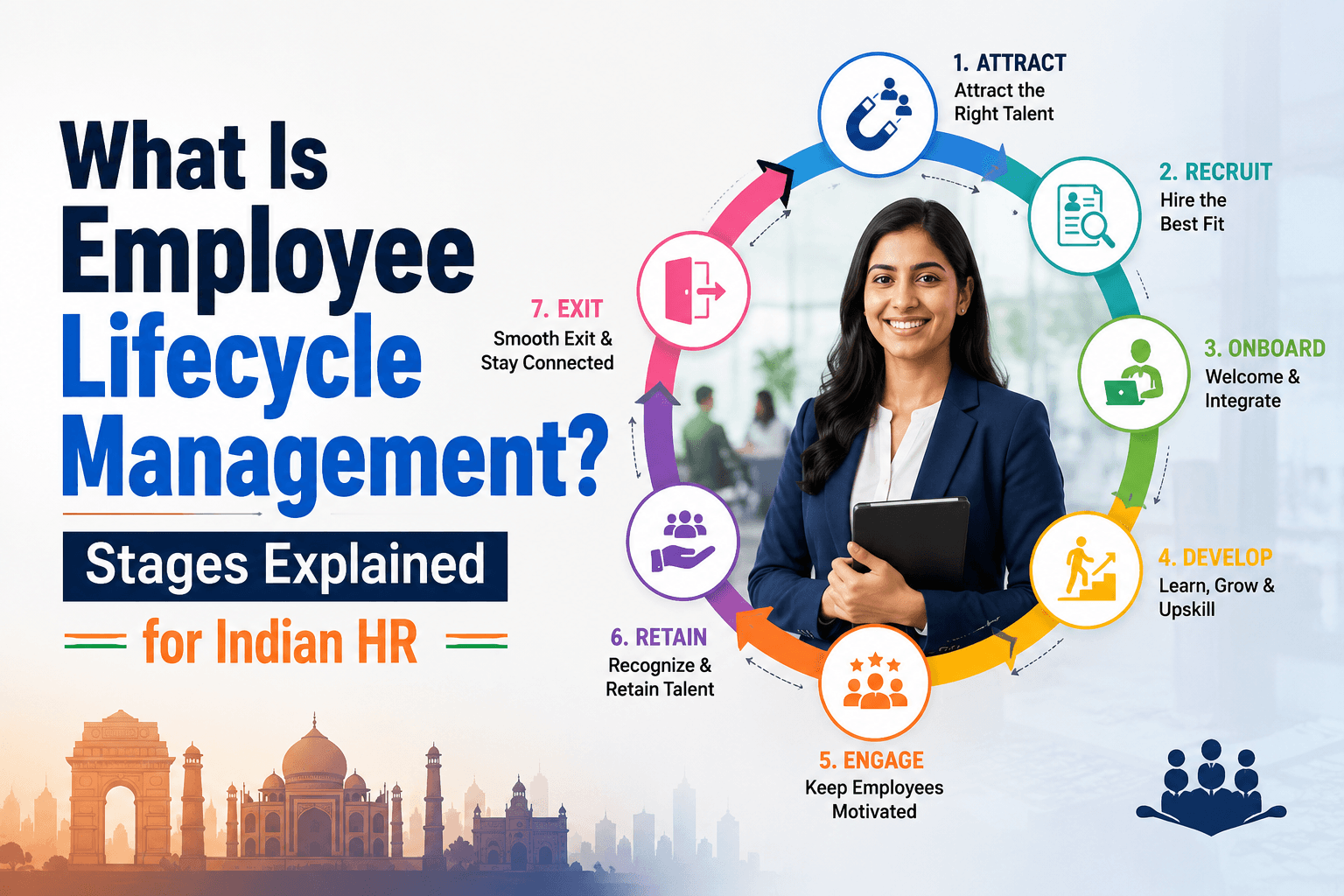
HR Strategy
What Is Employee Lifecycle Management? Stages Explained for Indian HR
Master end-to-end HR lifecycle management with our guide. Get actionable workflows for onboarding, compliance, and offboarding tailored for Indian firms.
5 min read