
HR Strategy
Smooth HRMS Migration Process: Indian HR Playbook
Execute an HRMS migration process. Learn how to transition your Indian workforce, secure data, and maintain productivity during the switch.

Chandan Watts
Technical Product Manager, Human Maximizer (Razor Infotech) · 9 min read · · Updated

It is 10:00 AM on payday, and the new HRMS has just flagged 400 employees as "unverified" because the legacy biometric system used a different employee ID format than the new cloud portal, triggering a company-wide panic. This is the moment most HR teams dread: the gap between a technical "go-live" and the operational reality of processing thousands of unique employee profiles. Treating an HR software transition as a simple data-copying exercise often leads to exactly this kind of friction. Instead, it must be approached as a clinical data surgery, where the primary objective is to maintain continuity while evolving your systems.
The Pre-Migration Audit: Scrubbing Legacy 'Data Rot'
Before you migrate a single record, you must confront the "data rot" that accumulates in spreadsheets and legacy systems. Most Indian mid-market firms carry years of duplicate entries, inconsistent bank account formats, and outdated shift mappings. If you import bad data, you will simply automate your existing errors.
Start by conducting a comprehensive audit of your active workforce. For instance, ensure that every employee profile includes a verified PAN, UAN, and current bank details, as these are non-negotiable for statutory compliance. HR data preparation is the most time-consuming phase, but it is the only way to avoid the "unverified" error scenario on day one. At Human Maximizer, a common observation is that teams who spend an extra week cleaning their raw CSVs before mapping them to our Employee Data Management module save months of corrective work post-launch.
Mapping the Indian Compliance Landscape: From PF to POSH
Transitioning systems in India requires more than just technical precision; it demands absolute adherence to statutory timelines. Your Payroll configuration must account for PF, ESI, PT, and TDS calculations from the very first day of the new system.
When you move your data, ensure you are mapping these statutory flags correctly. A common mistake is failing to test the Leave Management balances against the statutory minimums mandated by state-specific Shops and Establishments Acts. For detailed guidance on maintaining compliance during organizational changes, refer to the Ministry of Labour and Employment portal, which outlines the necessary statutory filings and employee record-keeping requirements. Security is equally vital; when handling sensitive PII (Personally Identifiable Information), ensure your new provider follows local data protection guidelines as outlined in the Digital Personal Data Protection Act.
The 90-Day Migration Roadmap: A Phased Execution Strategy
A successful HRMS migration guide is built on phases, not a single "big bang" switch. A typical 90-day transition for an Indian enterprise usually looks like this:
- Days 1–30 (Audit & Mapping): Define your business rules. What are your shift timings? How do you handle overtime? Build your Roster Management policies in the sandbox environment.
- Days 31–60 (Parallel Testing): Run the new system alongside your legacy tool for one or two pay cycles. Compare the output. If the tax calculations differ, find the variance in the mapping.
- Days 61–80 (User Acceptance & Training): Move your power users into the system. Use video guides rather than long documents to show managers how to approve leaves or view their team’s Organization Chart.
- Days 81–90 (Cutover & Contingency): Execute the final migration.
- Plan B (Rollback Contingency): Maintain a "read-only" state of your legacy system for 30 days post-cutover. If the new system fails to generate accurate payroll or attendance logs, you must have a pre-approved protocol to revert to the legacy database to ensure employees are paid on time.
Technical Synchronization: Payroll Mapping and System Integration
The difference between an HRIS and a full-scale HRMS migration lies in the level of integration. While an HRIS might focus on record-keeping, a modern HRMS—like the one we build at Human Maximizer—connects Attendance Management to payroll and performance automatically.
When mapping payroll, create a "bridge" in your spreadsheets where you compare the legacy salary structure against the new system’s fields. Ensure every "special allowance" or "deduction" code from your previous software has a home in the new platform. If you skip this, your Full and Final Settlement process will break six months down the line when an employee exits and the system cannot reconcile their historical earnings.
The 'Shadow' Testing Phase: Validating Before Go-Live
One of the most effective strategies for maintaining productivity is the "Shadow Mode" approach. In this phase, your employees continue to use the old system for their daily tasks, but your HR team enters the same data into the new platform in the background.
To ensure technical accuracy, perform a checksum validation or record count reconciliation between the legacy database and the new system. By comparing the total headcount, active leave balances, and payroll totals across both platforms, you can catch discrepancies without impacting the employees' pay. If the Productivity Lens or attendance logs show a deviation between the two systems, you can adjust the mapping before the employees even log in. This de-risks the entire transition and builds confidence in the new interface.
Beyond Training: Managing the Psychological Shift
System changes often trigger anxiety. Employees worry about whether their leave balances will disappear or if their next paycheck will be delayed. Change management in HR is about transparency.
Communicate the "why" behind the switch early. When we talk to teams, we emphasize that the goal is to remove administrative hurdles, not to add surveillance. Providing a Ticket Management system where employees can raise questions about the migration directly to HR helps alleviate this stress. Workplace stress can severely impact performance, so treat the migration as a communication project as much as a technical one.
Post-Migration Stability: The 30-Day Troubleshooting Framework
The first 30 days post-go-live are the most critical. You need a dedicated "war room" or a specific channel where managers can flag issues.
- Week 1: Focus on attendance and leave queries. These are the most visible parts of the system for employees.
- Week 2: Review payroll outputs. Ensure the PF/ESI contributions align with the regulatory filings.
- Week 3: Address feedback. If a specific interface or workflow is confusing, document it and provide a quick-reference guide.
- Week 4: Optimization. Close the loop on any remaining data gaps.
FAQ
How do I ensure data security during HRMS migration? Ensure your provider hosts data in secure, compliant environments and supports role-based access control. You should also conduct a clean-up of legacy access permissions, ensuring that only authorized personnel can view sensitive payroll or personal data during and after the move.
What are the common risks of HRMS data migration? The most common risks include data format mismatches (e.g., date formats), incomplete legacy records, and integration failures with existing accounting or banking software. These risks are mitigated by thorough pre-migration auditing and running payroll in parallel for at least one full cycle.
How long does a typical HRMS migration take for Indian enterprises? For most mid-market organizations, a structured migration process takes between 60 to 90 days. Larger or more complex organizations with legacy systems in multiple states may require up to six months to ensure full data integrity and compliance alignment.
How do I clean legacy HR data before importing it? Start by exporting your current system into a structured spreadsheet. Validate every field against your statutory requirements (PAN, Aadhaar, UAN) and check for duplicate employee IDs. Standardize your department and designation names, and ensure all leave balances are reconciled to the date of the cutover.
If your organization is preparing for a transition and you want a system that handles payroll, attendance, and compliance without the usual migration friction, we should chat. Our team built Human Maximizer by speaking with HR leaders, managing directors and founders across Indian companies to ensure that the tools we provide—from Synergy for goal alignment to our Core HR modules—actually solve the operational pain points that cause migrations to stall.
About the Author & Reviewers
Chandan Watts — Technical Product Manager, Human Maximizer (Razor Infotech)
Chandan Watts is Technical Product Manager at Razor Infotech, building the Human Maximizer HR platform. After years leading customer-experience and team operations at JindalX and Radical Minds, he focuses on how teams actually work day to day — and how small workflow gaps quietly slow an entire team down.
Connect on LinkedIn
Reviewed & approved by Sameer Hameed — Founder & Chairman, Razor Infotech
Sameer Hameed is the Founder & Chairman of Razor Infotech, where he is guiding the creation of Human Maximizer. An entrepreneur across technology, real estate, mining and travel, he builds organisations on clarity, trust and responsible growth — on the belief that businesses grow only when the people behind them grow.
Connect on LinkedIn
Reviewed & approved by Nishant Tandon — Co-founder & Lead Partner, Razor Infotech
Nishant Tandon is Co-founder and Lead Partner at Razor Infotech, with over a decade in IT, customer support and business operations, helping SMEs achieve cost efficiency, stronger customer experience and scalable, sustainable growth.
Connect on LinkedIn
Human Maximizer is built by Razor Infotech in New Delhi, India (founded 2019). About Human Maximizer.
Keep reading
HR Strategy
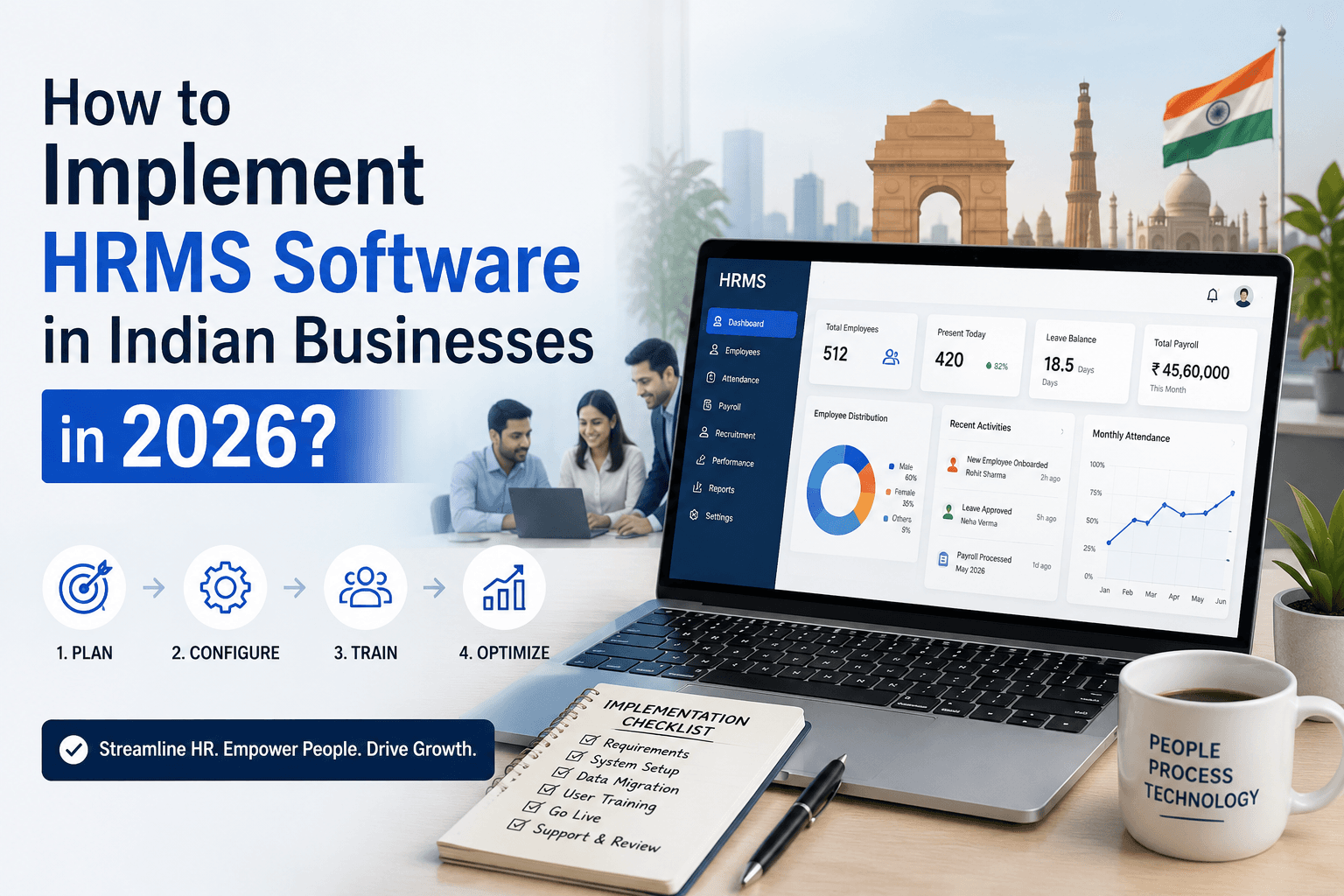
How to Implement HRMS Software in Indian Businesses in 2026?
Failing to implement HRMS? Find out how long HRMS implementation takes to automate payroll, compliance & improve employee experience. Book a demo with Human Maximizer.
5 min read
HR Strategy
HRMS Migration: greythr alternative india
greytHR Alternative India: How to streamline your transition to a new platform. Learn the essential steps for an HRMS migration...
17 min read
HR Strategy
Why All-in-One HRMS for Indian Startups Fails to Scale
Avoid the scaling trap. Learn why all-in-one HRMS for Indian startups slows growth and how to choose a flexible HR software built for rapid scaling.
13 min read